
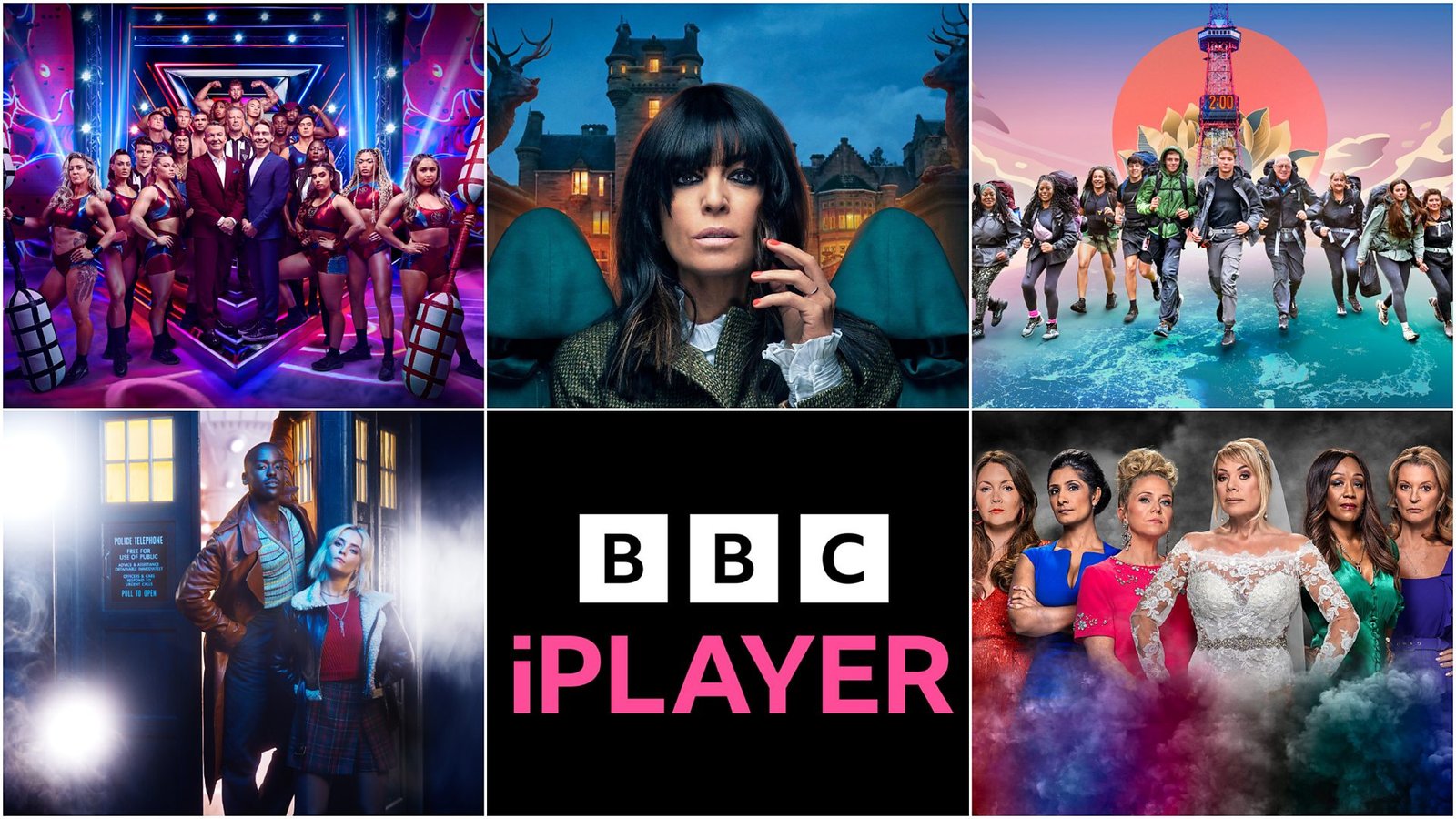
What Is BBC iPlayer?
BBC iPlayer is the official online streaming and catch-up service provided by the British Broadcasting Corporation (BBC). It allows users to watch BBC television programmes live or on demand through internet-connected devices.
The platform was introduced to make BBC content more accessible and convenient for viewers. Instead of watching programmes only when they are broadcast, users can stream content whenever it suits them.
BBC iPlayer offers:
- Live BBC TV channels
- Catch-up television programmes
- Exclusive online content
- Radio content and podcasts
- Children’s programming
- Documentaries and educational content
Its extensive library makes it one of the most comprehensive streaming services available in the UK.
How BBC iPlayer Works
BBC iPlayer delivers content through an internet connection rather than traditional television signals.
Users simply:
- Create a BBC account
- Sign in to BBC iPlayer
- Browse available content
- Choose a programme
- Stream instantly or download for later
The platform remembers viewing history and preferences, helping users continue watching from where they left off.
Key Features of BBC iPlayer
Live Television Streaming
One of the platform’s biggest advantages is the ability to stream BBC channels live.
Popular channels include:
- BBC One
- BBC Two
- BBC Three
- BBC Four
- BBC News
- CBBC
- CBeebies
This means viewers can enjoy live broadcasts without needing a traditional television setup.
Catch-Up Viewing
Missed a programme?
BBC iPlayer allows viewers to watch recently broadcast programmes after they have aired. This feature is especially useful for busy households with different viewing schedules.
Personalised Recommendations
The platform uses viewing history to recommend programmes that match user interests.
Benefits include:
- Easier content discovery
- Tailored suggestions
- Faster access to favourite genres
Download for Offline Viewing
Many programmes can be downloaded to mobile devices.
This feature is particularly useful when:
- Travelling
- Commuting
- Flying
- Using limited mobile data
High-Quality Streaming
BBC iPlayer supports HD streaming for many programmes, providing clear visuals and improved audio quality.
User Profiles and Watchlists
Users can:
- Save favourite programmes
- Continue unfinished episodes
- Build personal watchlists
- Receive recommendations
Benefits of Using BBC iPlayer
Convenience
The service removes the need to watch programmes at fixed broadcast times.
You can:
- Watch whenever you want
- Pause and resume viewing
- Access content across devices
Free Access to BBC Content
BBC iPlayer provides access to a huge library of BBC programmes without requiring a monthly subscription fee.
This makes it attractive compared to many paid streaming services.
Wide Variety of Content
The platform caters to many interests, including:
Drama
Popular British dramas often appear on BBC iPlayer before or shortly after broadcast.
Documentaries
Educational and factual content covers topics such as:
- Science
- History
- Nature
- Technology
- Current affairs
Sport
Viewers can often access sports highlights, live coverage and special sporting events.
Children’s Programmes
Dedicated sections provide safe viewing environments for younger audiences.
Accessibility Features
BBC iPlayer includes several accessibility tools:
- Subtitles
- Audio descriptions
- Sign language support
- Adjustable playback settings
These features help make content available to a broader audience.
How to Get Started with BBC iPlayer
Step 1: Create a BBC Account
Visit the BBC website and register using:
- Email address
- Date of birth
- Password
The process takes only a few minutes.
Step 2: Install the BBC iPlayer App
The app is available on:
- Smartphones
- Tablets
- Smart TVs
- Streaming devices
Alternatively, users can watch directly through a web browser.
Step 3: Sign In
After installing the app, sign in using your BBC account credentials.
Step 4: Explore the Library
Browse categories such as:
- Trending
- Drama
- Comedy
- News
- Sport
- Children’s TV
Step 5: Start Watching
Choose a programme and begin streaming instantly.
Devices Compatible with BBC iPlayer
BBC iPlayer works across a wide range of devices.
| Device Type | Supported |
|---|---|
| Smart TVs | Yes |
| Android Phones | Yes |
| iPhones | Yes |
| Tablets | Yes |
| Laptops | Yes |
| Desktop Computers | Yes |
| Streaming Devices | Yes |
| Games Consoles | Many Models |
This flexibility allows users to enjoy content at home or on the move.
BBC iPlayer Content Categories
Drama
British drama remains one of the service’s strongest areas.
Examples include:
- Crime dramas
- Historical dramas
- Family dramas
- Thriller series
Comedy
Viewers can access:
- Sitcoms
- Sketch shows
- Stand-up specials
- Comedy panel shows
News and Current Affairs
BBC iPlayer provides reliable access to:
- National news
- International news
- Political analysis
- Investigative journalism
Entertainment
Popular entertainment options include:
- Talent competitions
- Reality programmes
- Lifestyle shows
- Travel documentaries
Education and Learning
BBC has a long history of educational broadcasting.
Viewers can learn about:
- History
- Science
- Geography
- Culture
- Technology
Live TV and Catch-Up Services
Many viewers use BBC iPlayer primarily for catch-up television.
Benefits include:
- Watch missed episodes
- Resume programmes later
- Access content on demand
- Stream live broadcasts
This combination of live and on-demand viewing creates a flexible entertainment experience.
Downloading Programmes for Offline Viewing
Why Download Content?
Offline viewing is useful when internet access may be limited.
Common situations include:
- Flights
- Train journeys
- Holidays
- Rural travel
How Downloads Work
Simply:
- Open a programme page
- Select Download
- Wait for completion
- Access content through the Downloads section
Downloads can help save mobile data and improve viewing convenience.
BBC iPlayer vs Other Streaming Platforms
| Feature | BBC iPlayer | Subscription Streaming Services |
| Live TV | Yes | Often Limited |
| Catch-Up Content | Yes | Varies |
| Download Option | Yes | Usually Available |
| BBC Programmes | Extensive | Limited |
| Monthly Subscription | No Direct Subscription Fee | Usually Required |
| News Coverage | Strong | Limited |
BBC iPlayer focuses heavily on British programming and public service broadcasting, which differentiates it from many commercial competitors.
Tips for the Best Viewing Experience
Use a Stable Internet Connection
A reliable connection reduces buffering and improves video quality.
Create a Watchlist
Save programmes you want to watch later.
Explore New Categories
Many users discover interesting content by browsing beyond their usual genres.
Enable Downloads Before Travelling
Downloading content in advance prevents interruptions when internet access is unavailable.
Keep Apps Updated
Regular updates improve performance and security.
Common Issues and Solutions
Buffering Problems
Possible causes:
- Slow internet connection
- Network congestion
- Device performance limitations
Solution:
- Restart your router
- Reduce network usage
- Lower video quality if needed
Sign-In Problems
Check:
- Email address
- Password accuracy
- Account verification status
App Crashes
Try:
- Updating the app
- Restarting the device
- Reinstalling the application
Playback Errors
Often resolved by:
- Refreshing the app
- Clearing cache
- Checking internet connectivity
Why BBC iPlayer Remains Popular
BBC iPlayer continues to attract millions of viewers because it combines convenience, quality content and flexibility.
Its strengths include:
- Trusted BBC programming
- Easy accessibility
- Live and on-demand viewing
- Multi-device support
- Personalised recommendations
- Offline downloads
These features make it a valuable platform for modern television audiences.
Conclusion
BBC iPlayer has become one of the UK’s most widely used streaming services thanks to its combination of live television, catch-up viewing, exclusive content and user-friendly features. Whether you enjoy drama, documentaries, sport, comedy or educational programmes, the platform provides a convenient way to access quality BBC content whenever it suits your schedule.
Getting started is straightforward. By creating a BBC account, installing the app and exploring its extensive library, viewers can quickly begin enjoying a flexible and personalised streaming experience. With features such as offline downloads, accessibility tools and support for multiple devices, BBC iPlayer continues to meet the evolving needs of modern audiences.
For anyone looking for a reliable way to watch BBC programmes online, BBC iPlayer remains an excellent option.
About the Author